GPT IMAGE 2

GPT IMAGE 2

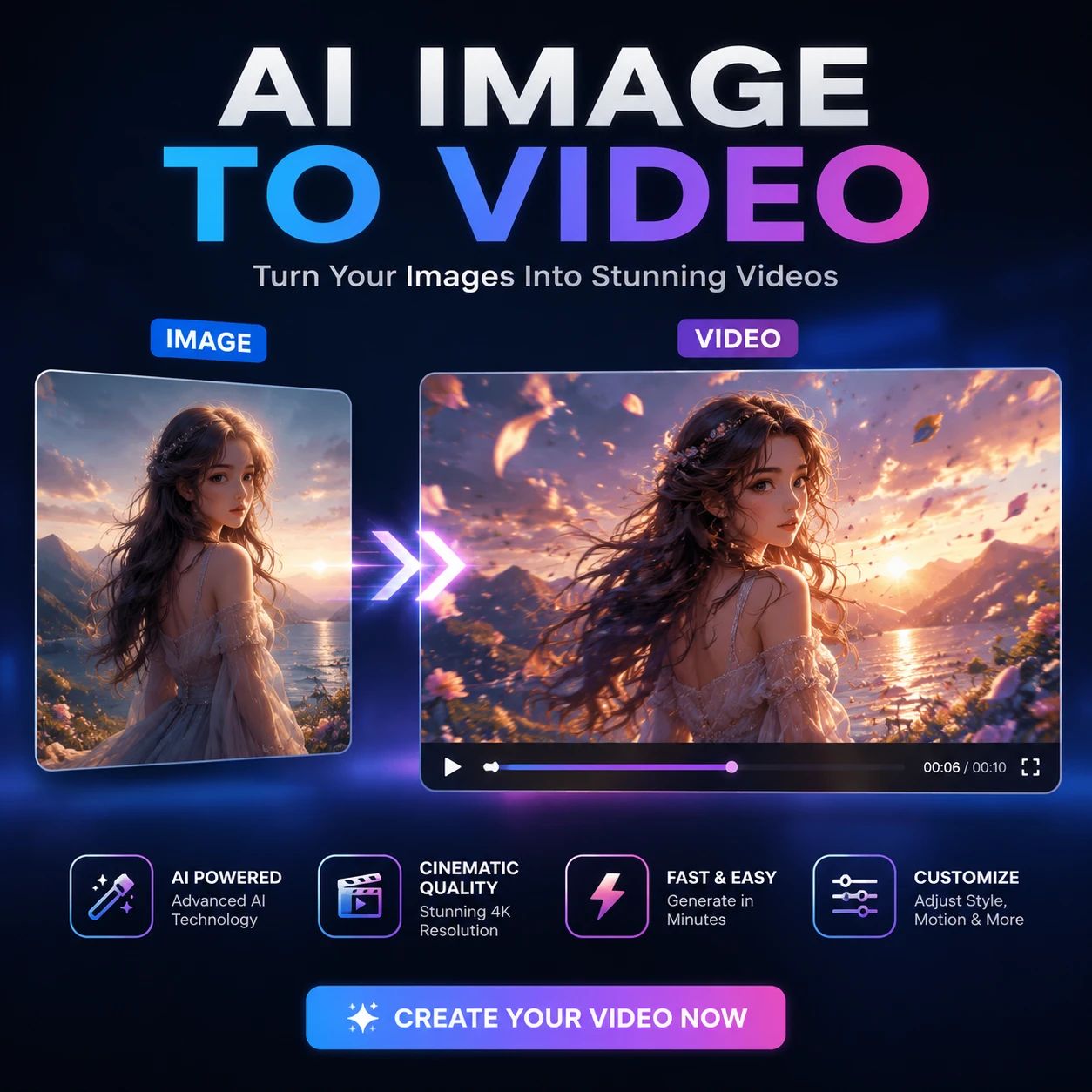
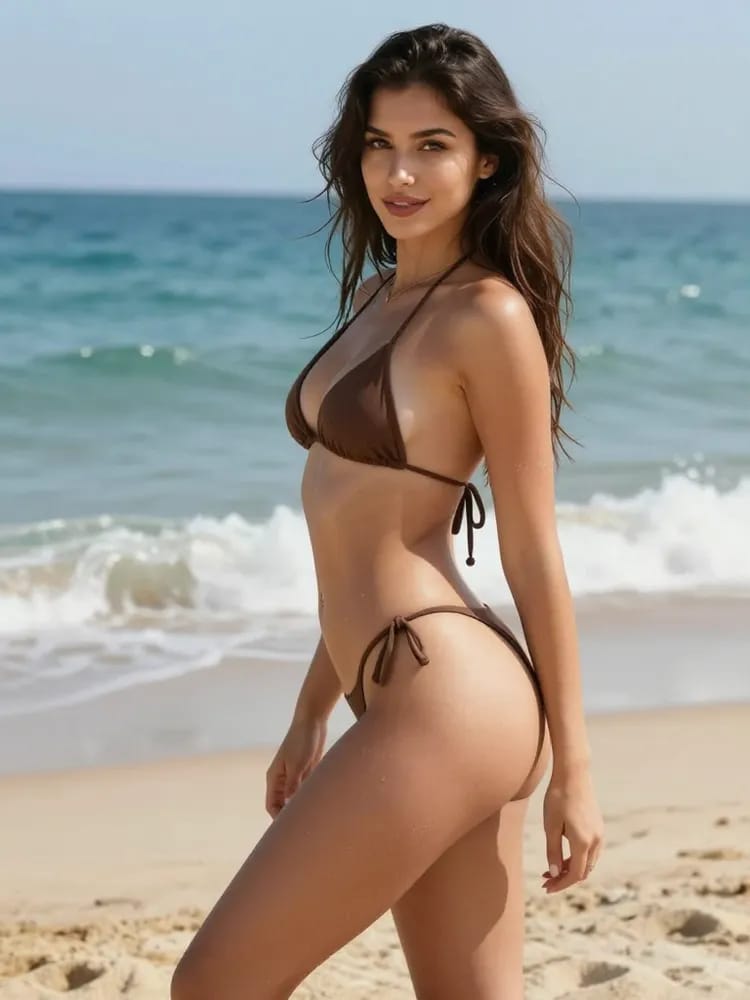
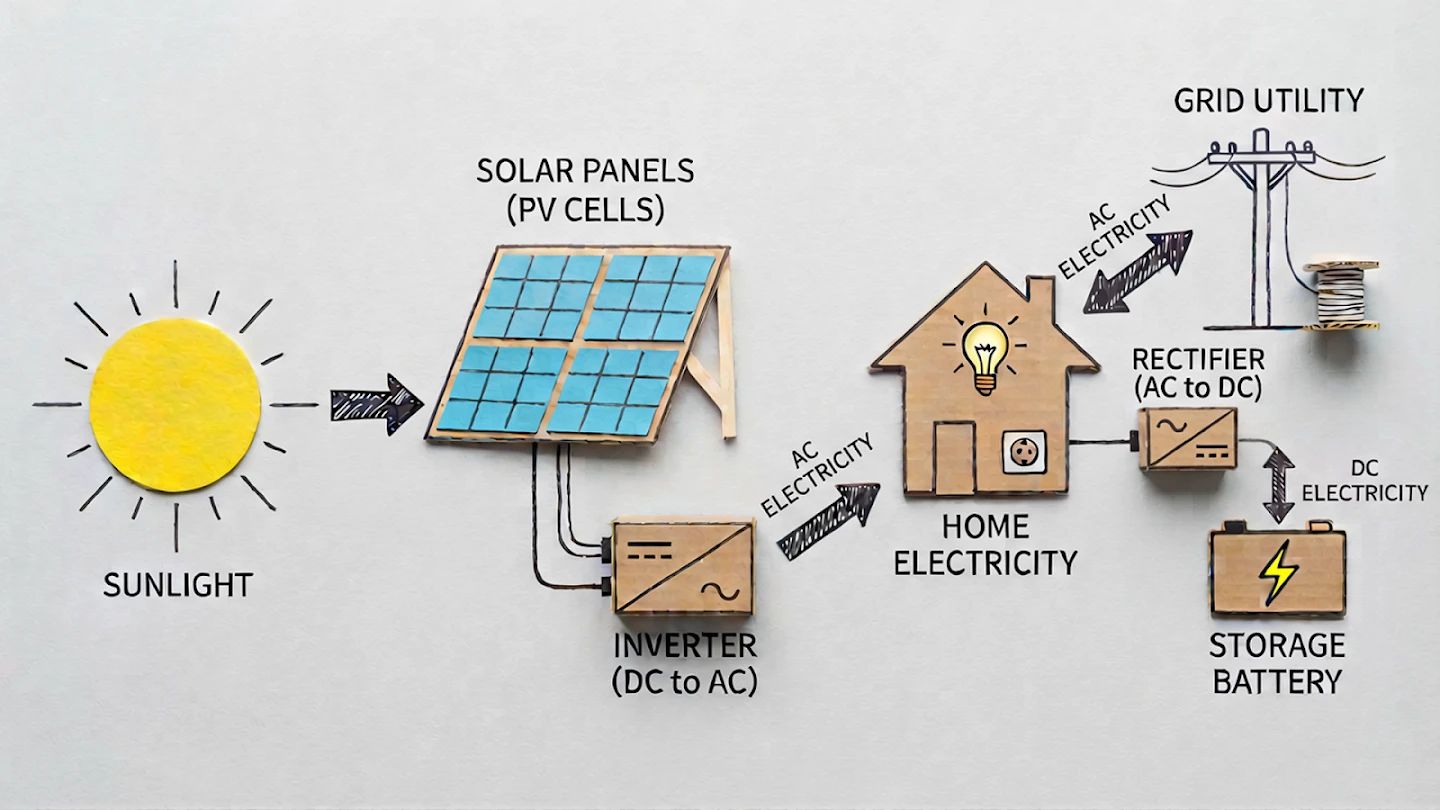
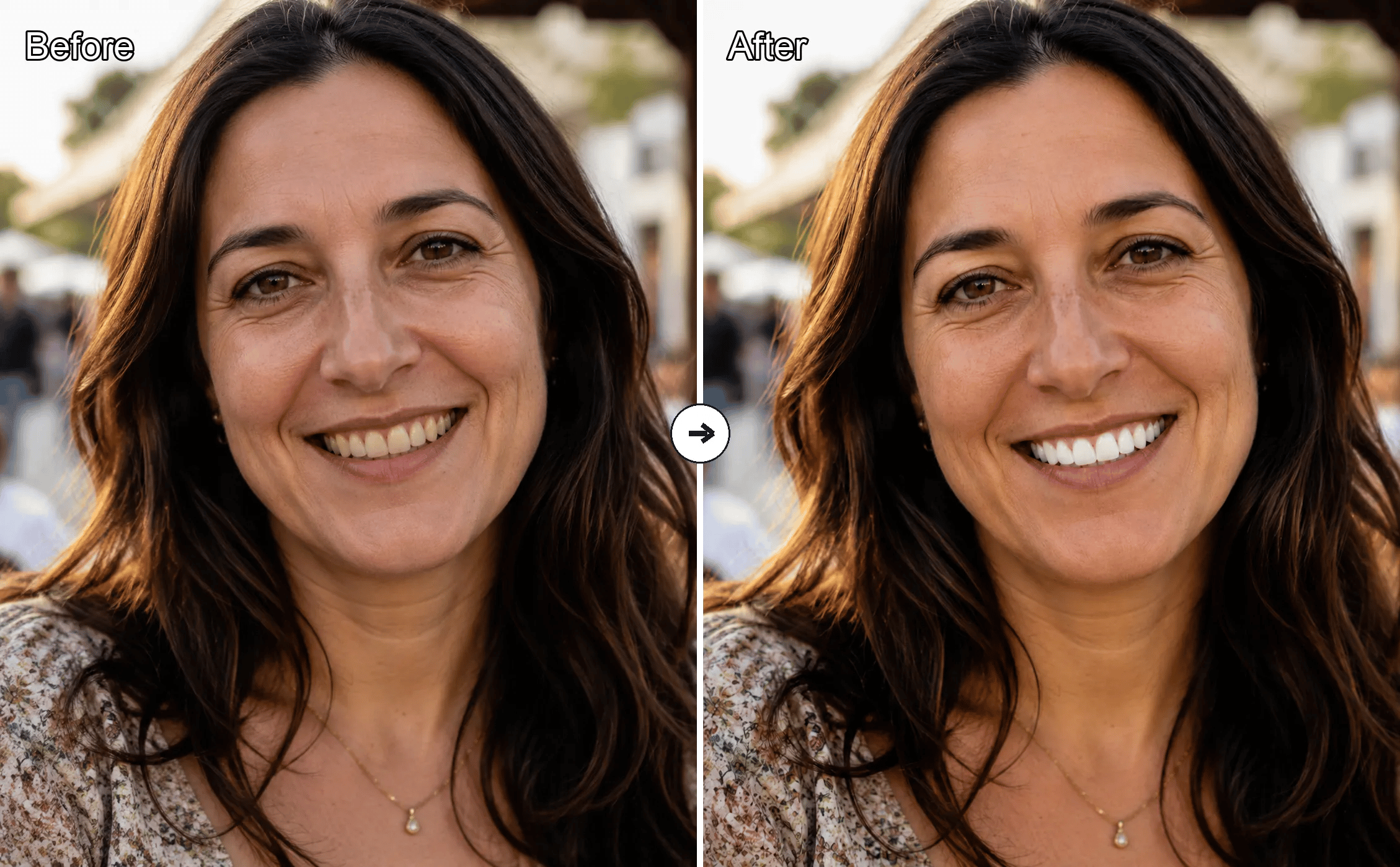
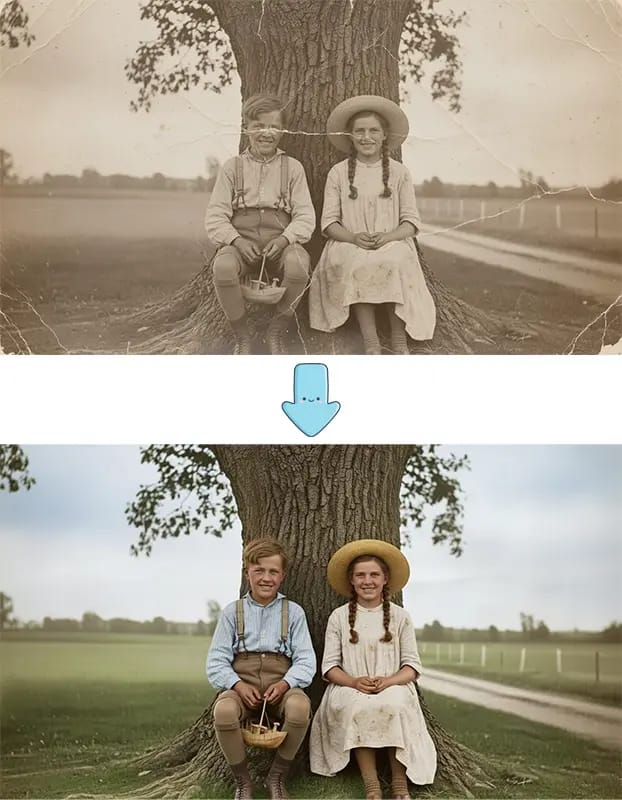
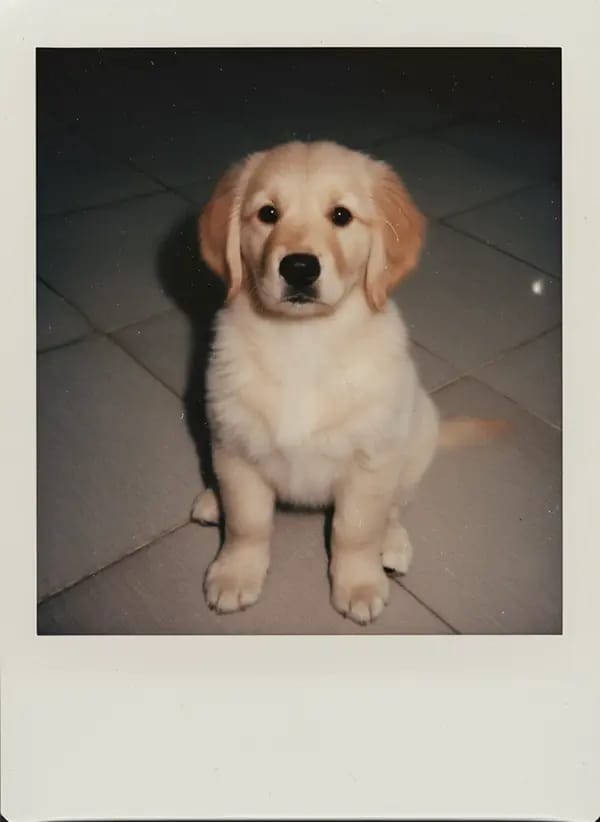
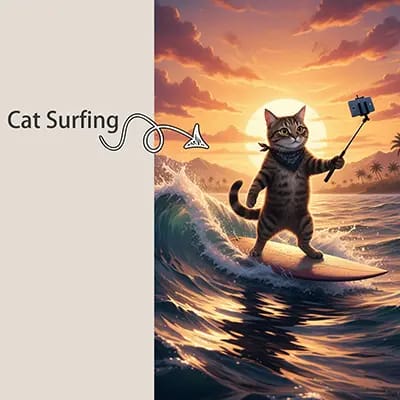
GPT Image 2 is a dedicated image generator on KOOX AI for polished text-to-image and image-to-image workflows, with sharper typography, strong prompt understanding, and flexible ratios.

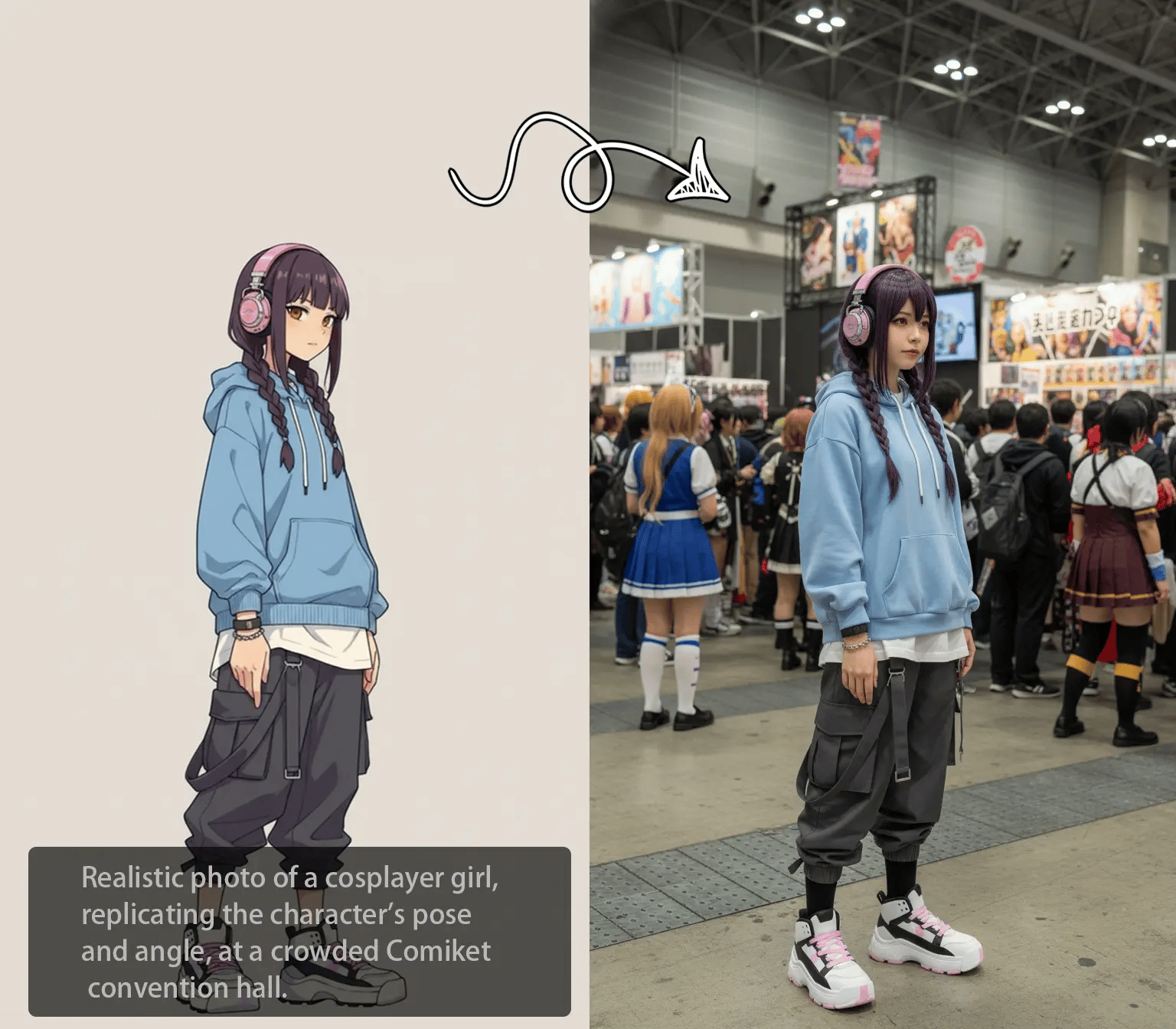
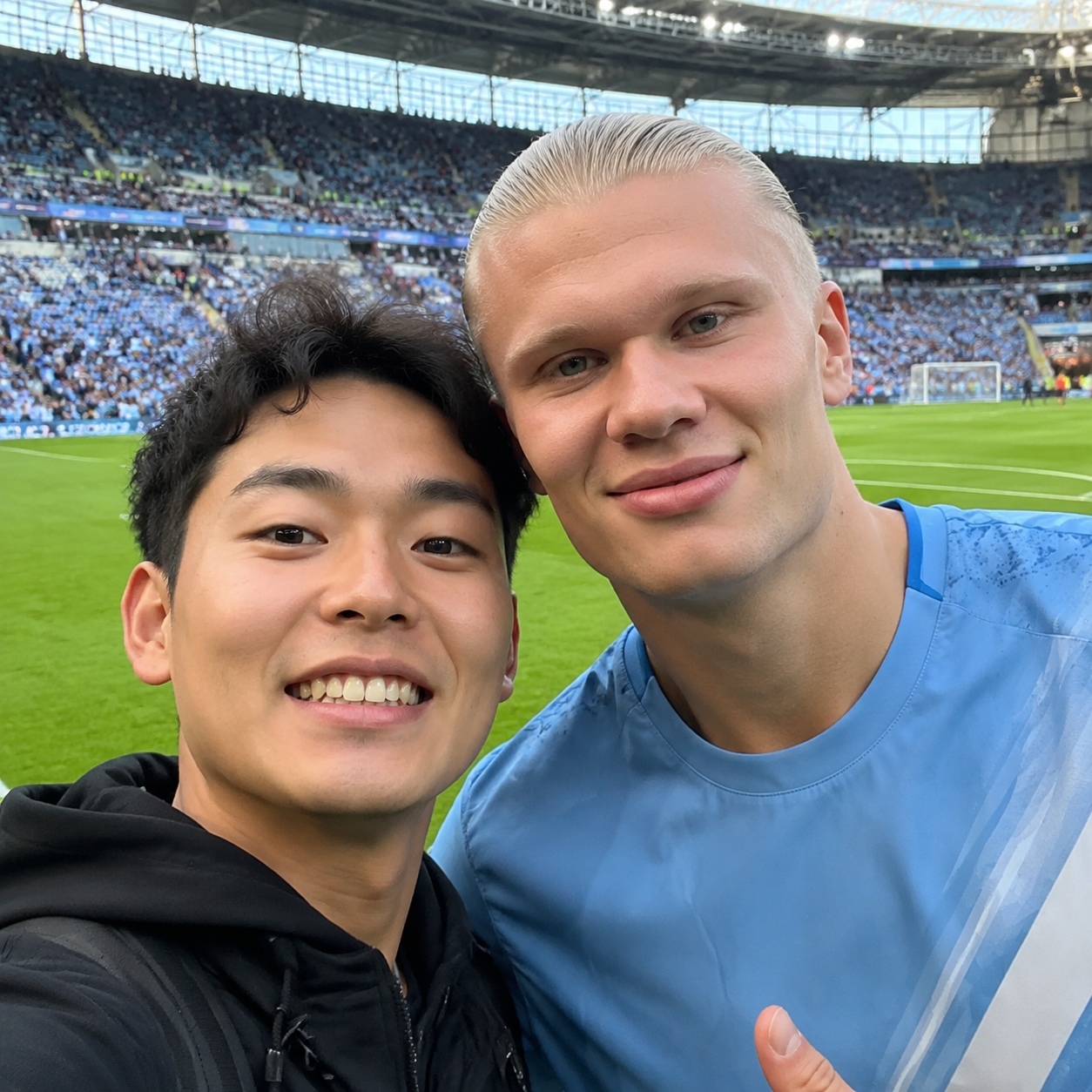
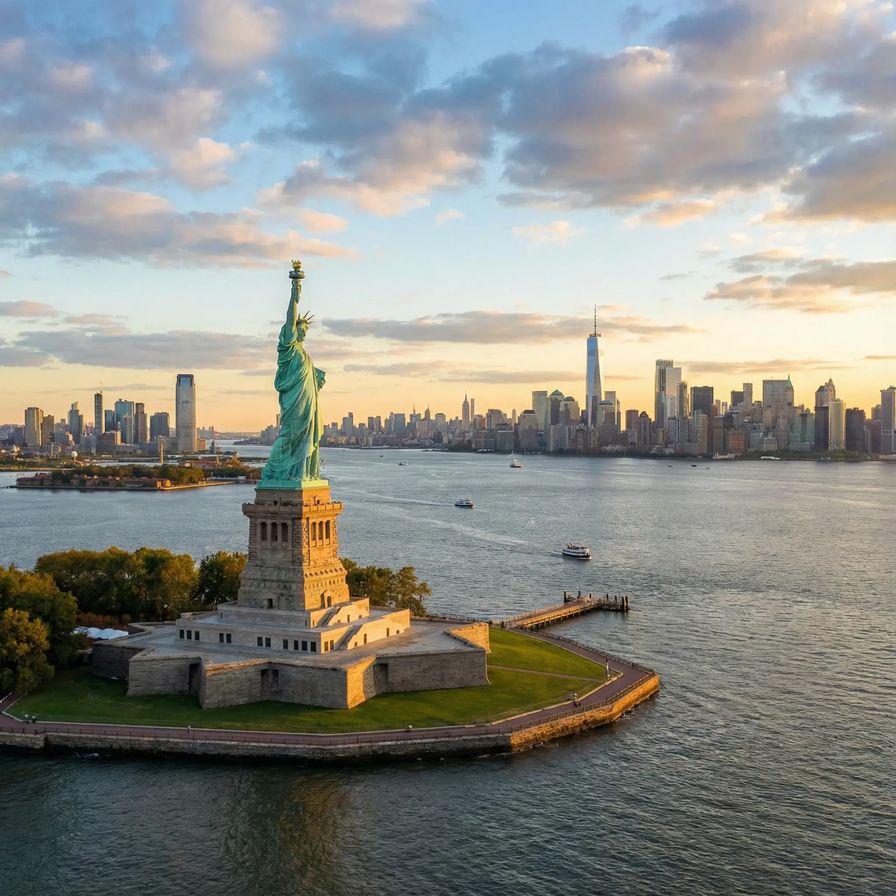
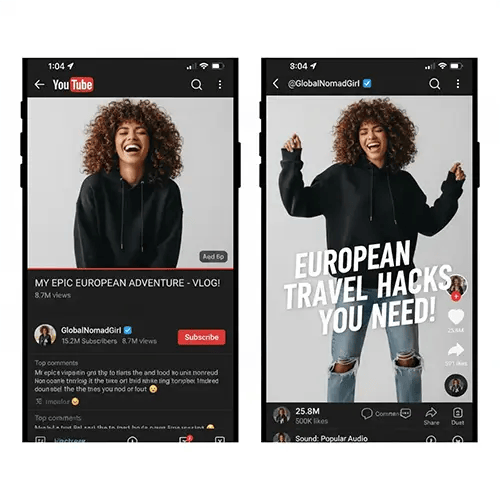
Reference image
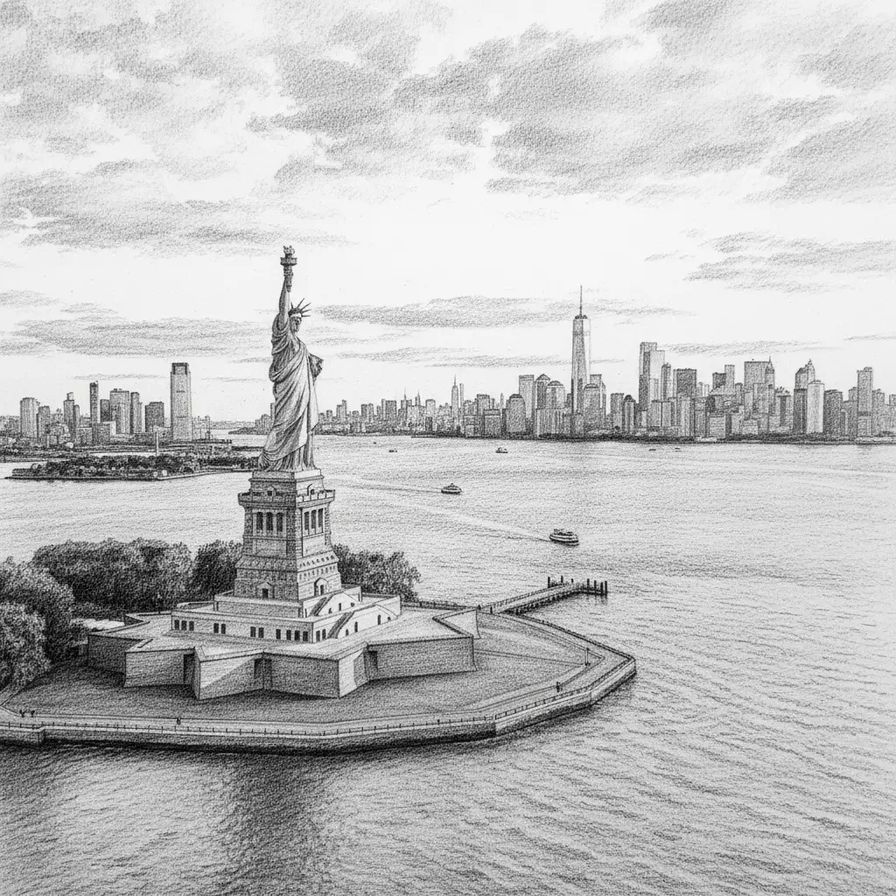
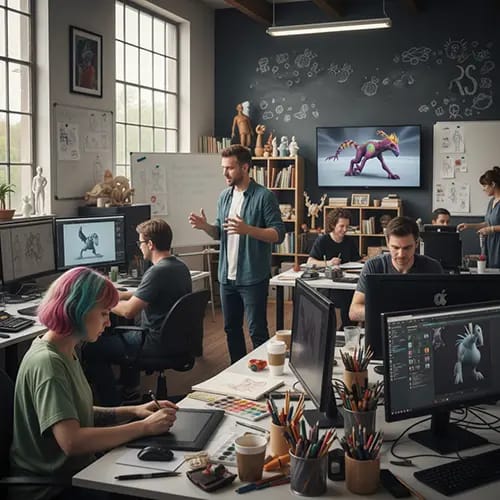
Generated image

What Is GPT Image 2?

GPT Image 2 is an APIMart-hosted image model for generating new images from prompts or transforming reference images. It is especially useful when you need legible on-image text, polished marketing visuals, UI mockups, posters, packaging concepts, or stylized edits with prompt control.

How To Use GPT Image 2

A simple three-step workflow:

Why Use GPT Image 2?

GPT Image 2 is a practical fit for design-heavy image generation where clear text, real-world context, and predictable prompt response matter.

Who Can Use GPT Image 2

Design Teams
Marketers
Founders
Creators
Design teams using KOOX AI
Draft UI and campaign visuals quickly

Create placeholder screens, posters, launch banners, and branded concepts before final production assets are ready.

Marketers using KOOX AI
Generate ad-ready variations

Turn one concept into multiple sizes and directions for landing pages, paid ads, social campaigns, and seasonal promotions.

Founders using KOOX AI
Visualize product ideas faster

Use GPT Image 2 to pitch brand directions, packaging ideas, feature mockups, or storefront concepts without waiting on a full design cycle.

Creators using KOOX AI
Explore styles and compositions

Experiment with editorial looks, poster layouts, cinematic scenes, and mixed prompt-plus-reference compositions in one workflow.

FAQ

GPT Image 2 FAQ

Common questions about using GPT Image 2 on KOOX AI.

1

Does GPT Image 2 support both text-to-image and image-to-image?

Yes. You can use GPT Image 2 with only a prompt, or upload reference images to guide the output toward an existing visual direction.

2

What kinds of projects is GPT Image 2 good at?

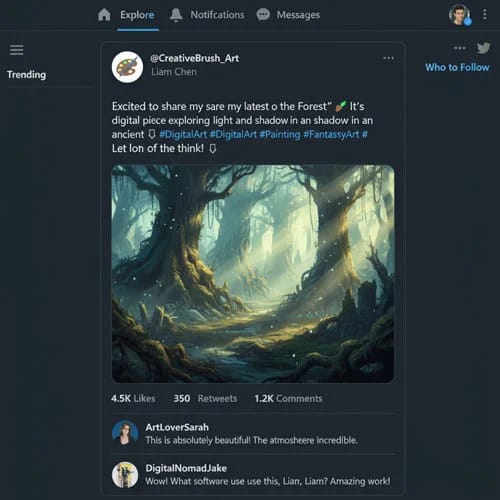
It is especially useful for posters, hero images, UI mockups, packaging concepts, storefront scenes, social ads, thumbnails, and visuals that need readable text inside the image.

3

How many reference images can I upload?

On this page, GPT Image 2 supports up to 16 reference images per request, which is enough for composition references, product angles, and style guidance.

4

Which aspect ratios are available?

GPT Image 2 supports multiple square, portrait, landscape, and cinematic ratios so you can target social, web, presentation, and banner formats.

5

Can I use it for commercial work?

Outputs generated using paid subscription benefits or paid credits may be used commercially and, as between you and KOOX AI, belong to you to the extent permitted by law. Outputs generated using free access or free credits remain owned by KOOX AI to the extent KOOX AI has rights in them; free users receive only a personal, non-commercial, non-transferable license. Rights are determined when the Output is generated, and upgrading later does not retroactively transfer ownership. Third-party rights and model-specific terms still apply.

6

What if the text in the image is still off?

Be explicit about the exact words, language, placement, and layout. Shorter text, stronger layout instructions, and one or two iterative retries usually improve results.

Try GPT Image 2 on KOOX AI

Generate polished visuals from prompts or references, then iterate quickly on text placement, composition, and style in one workspace.