GPT Image 1.5 AI Image Generator
Create High-Fidelity GPT Image 1.5 Images on KOOX AI
Use GPT Image 1.5 on KOOX AI to turn prompts and reference images into polished images. It is a good fit for accurate details, strong prompt adherence, and quick iteration.
More AI Tools
image to video
AI BIKINI
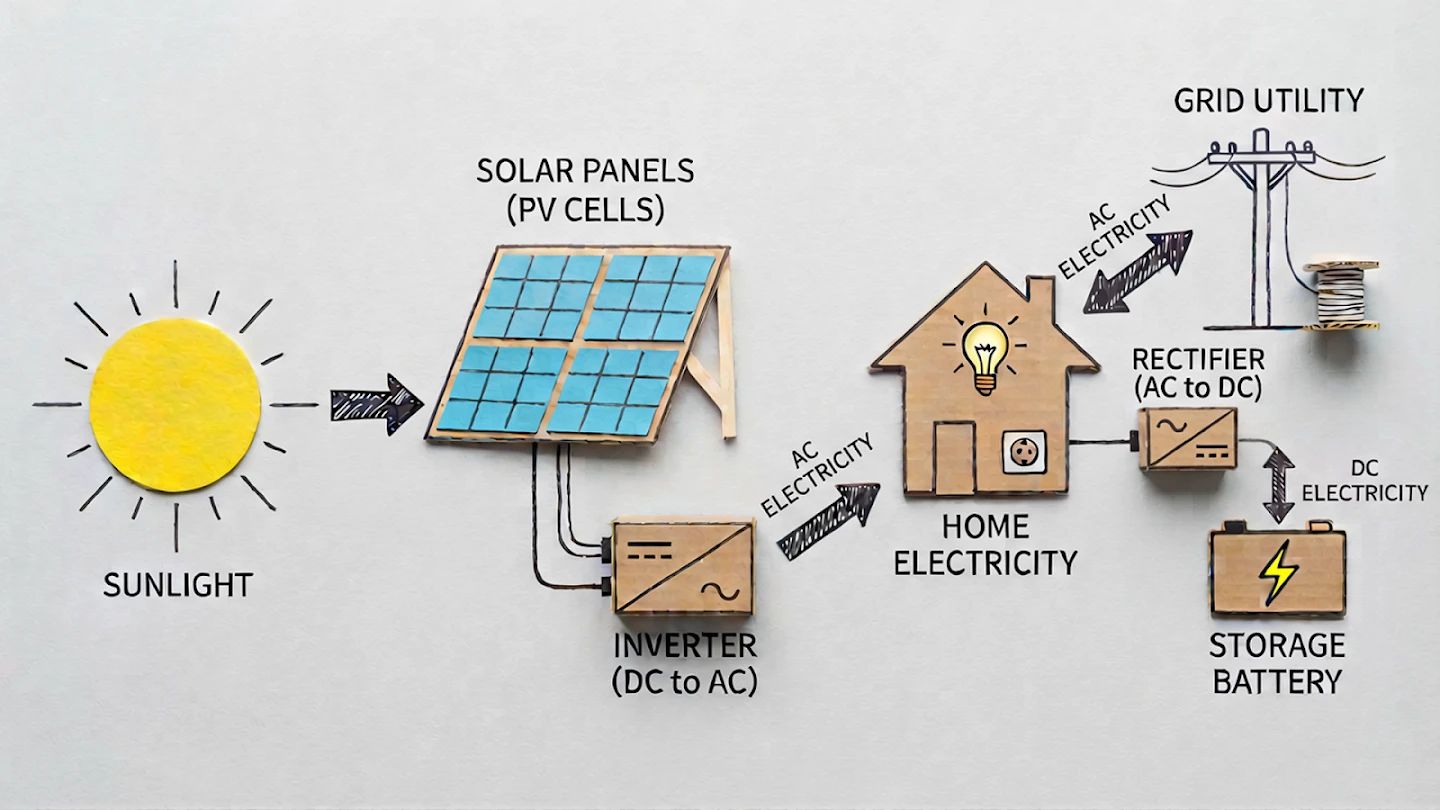
NANO BANANA PRO
AI Cartoon Generator
AI Selfie Generator
Photo to Sketch
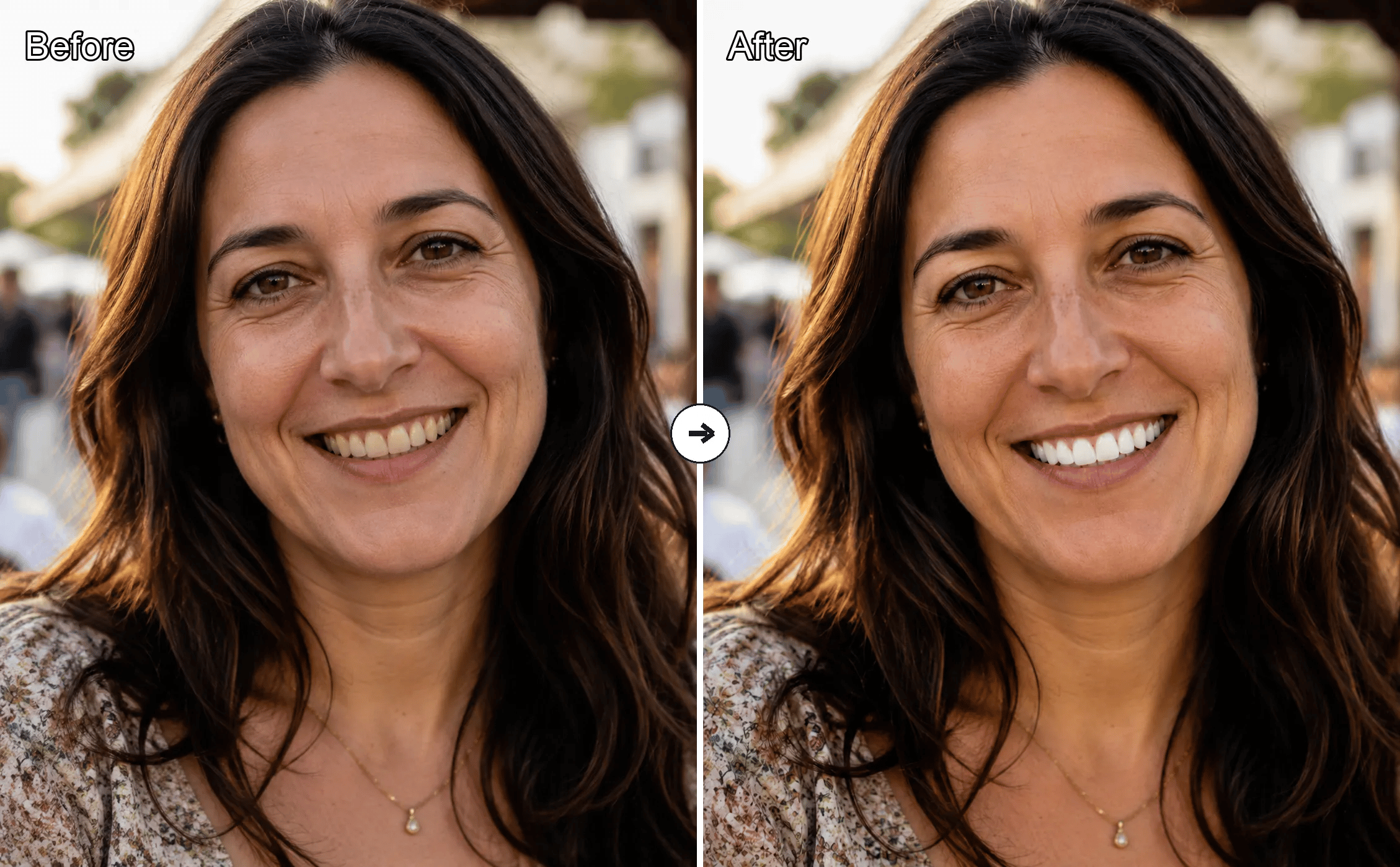
Free AI Teeth Whitening Online
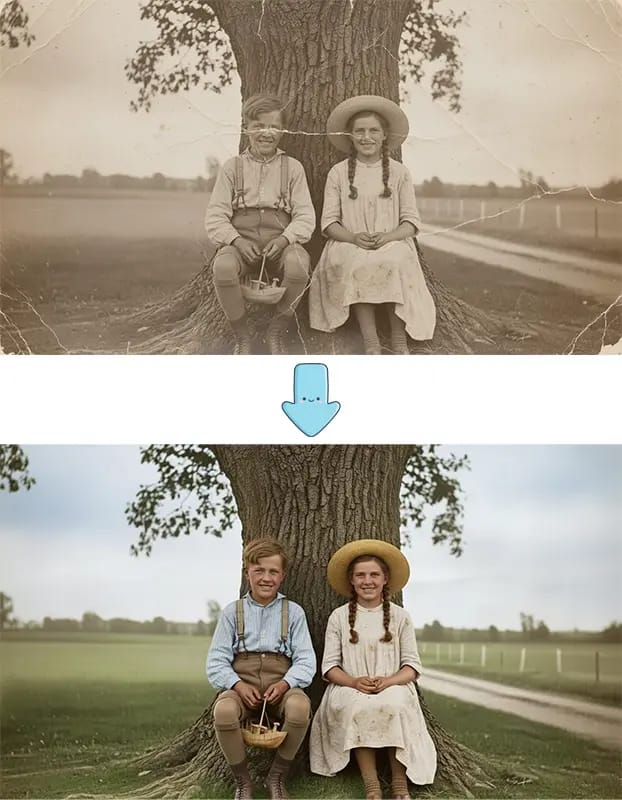
Old Photo Restoration
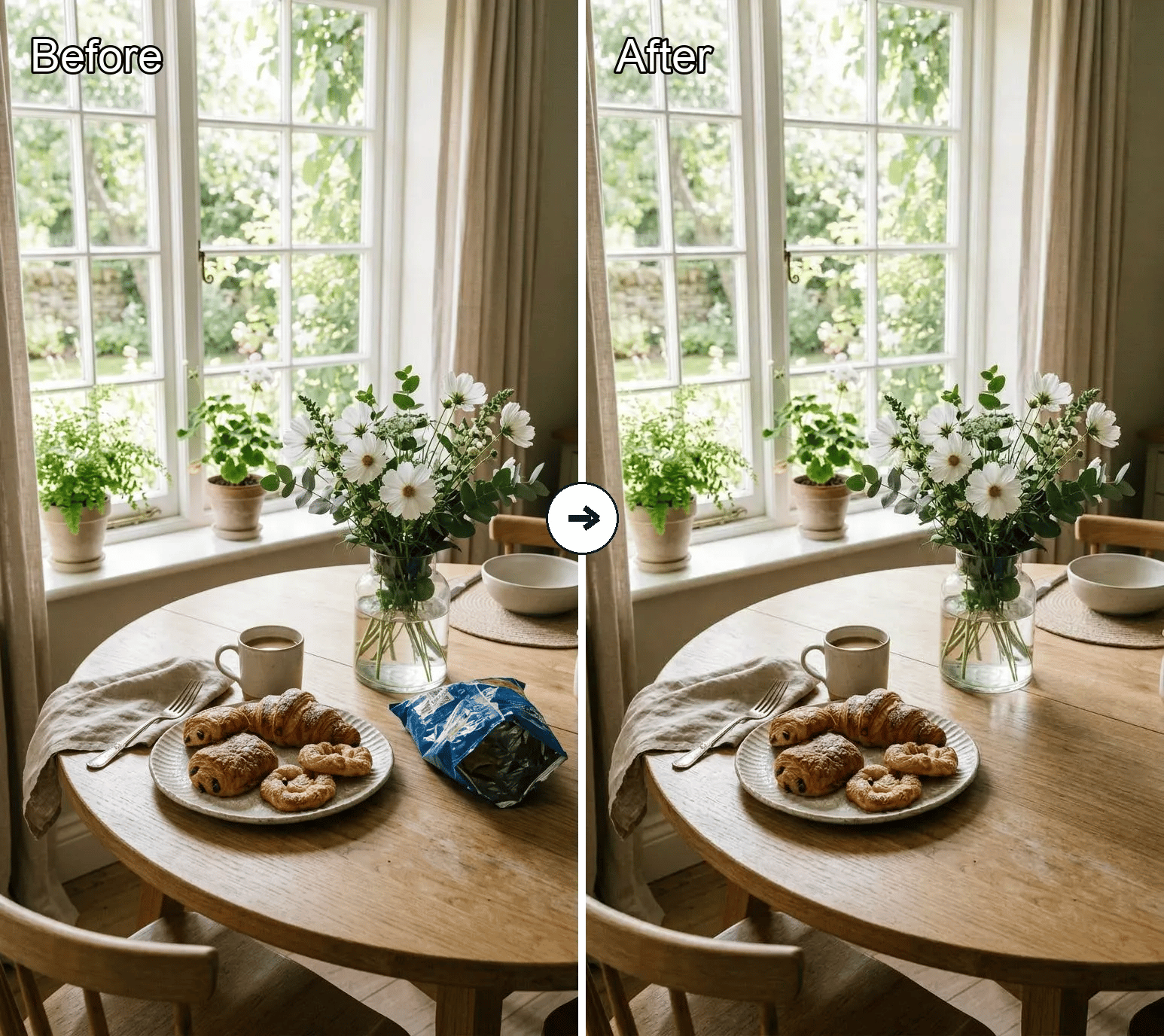
Object Remover
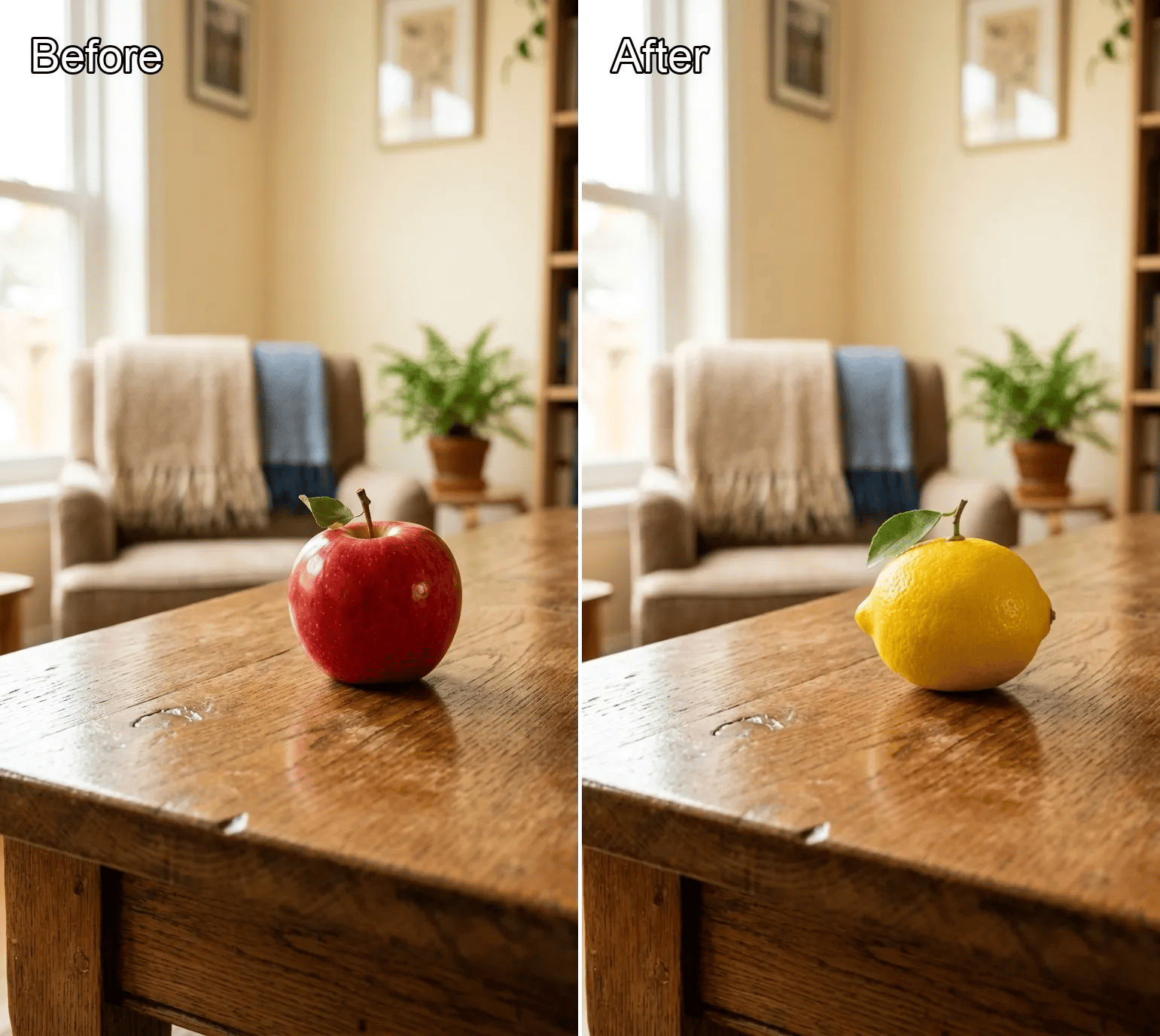
Object Replacer
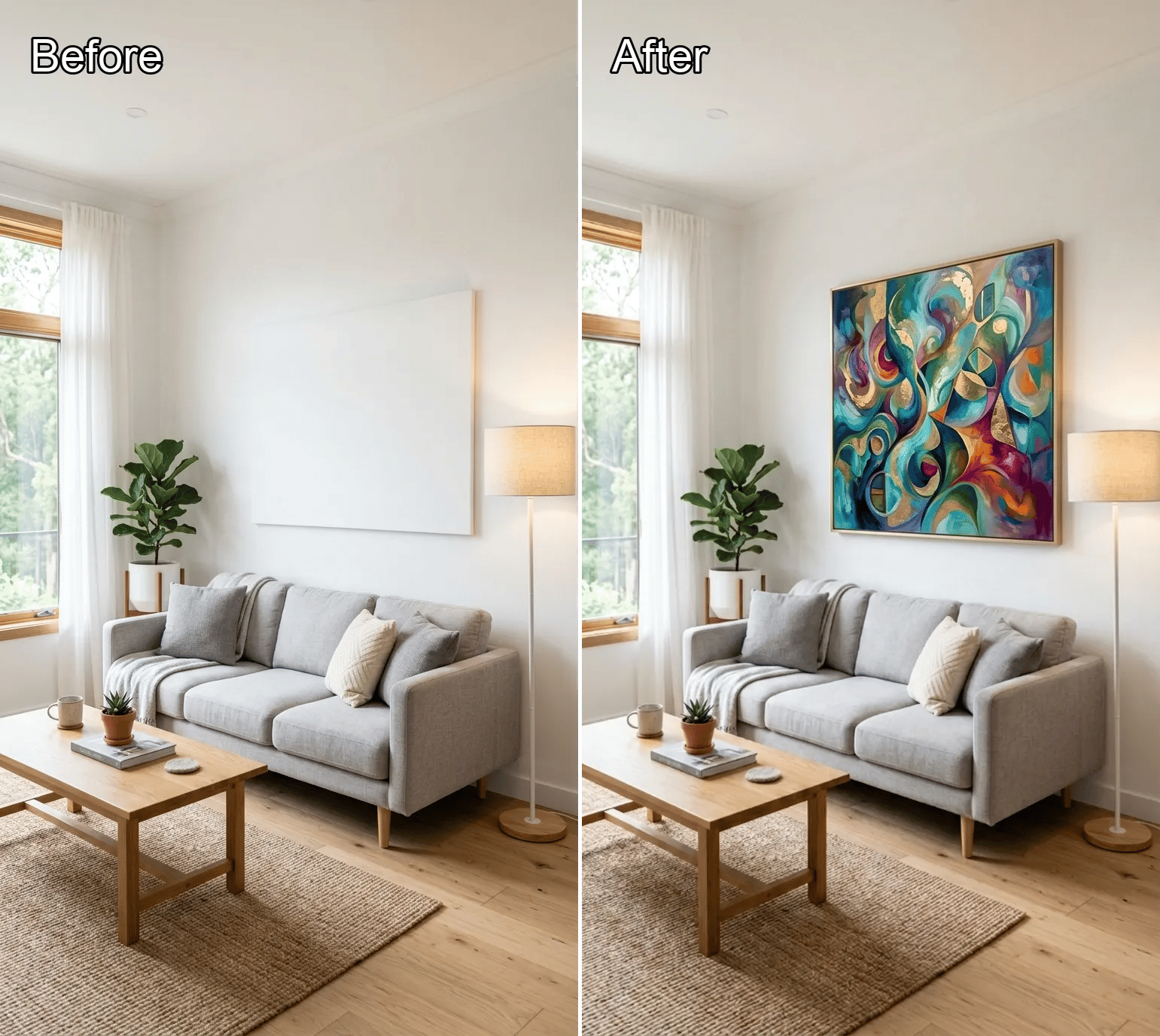
Generative Fill
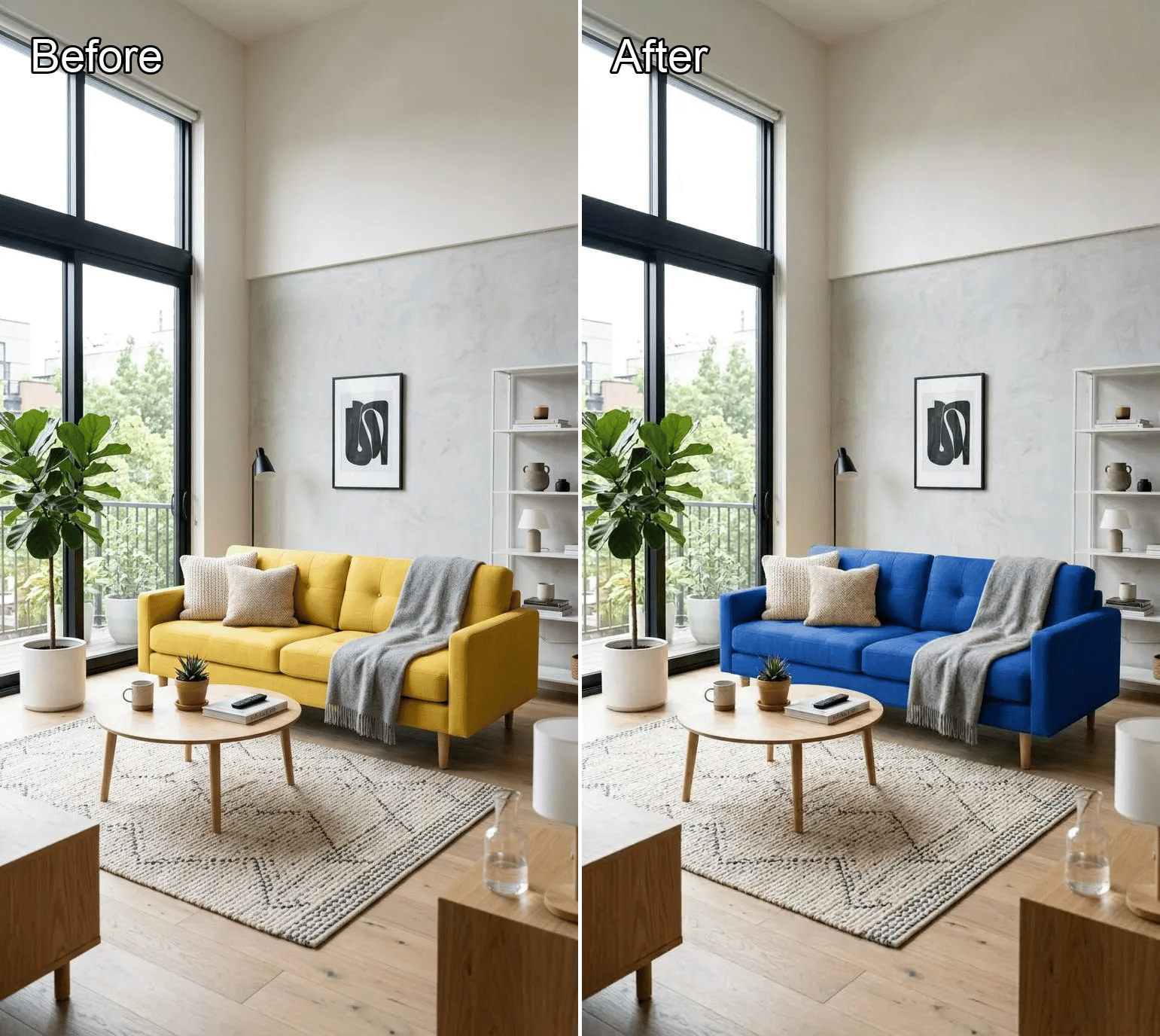
Local Recolor
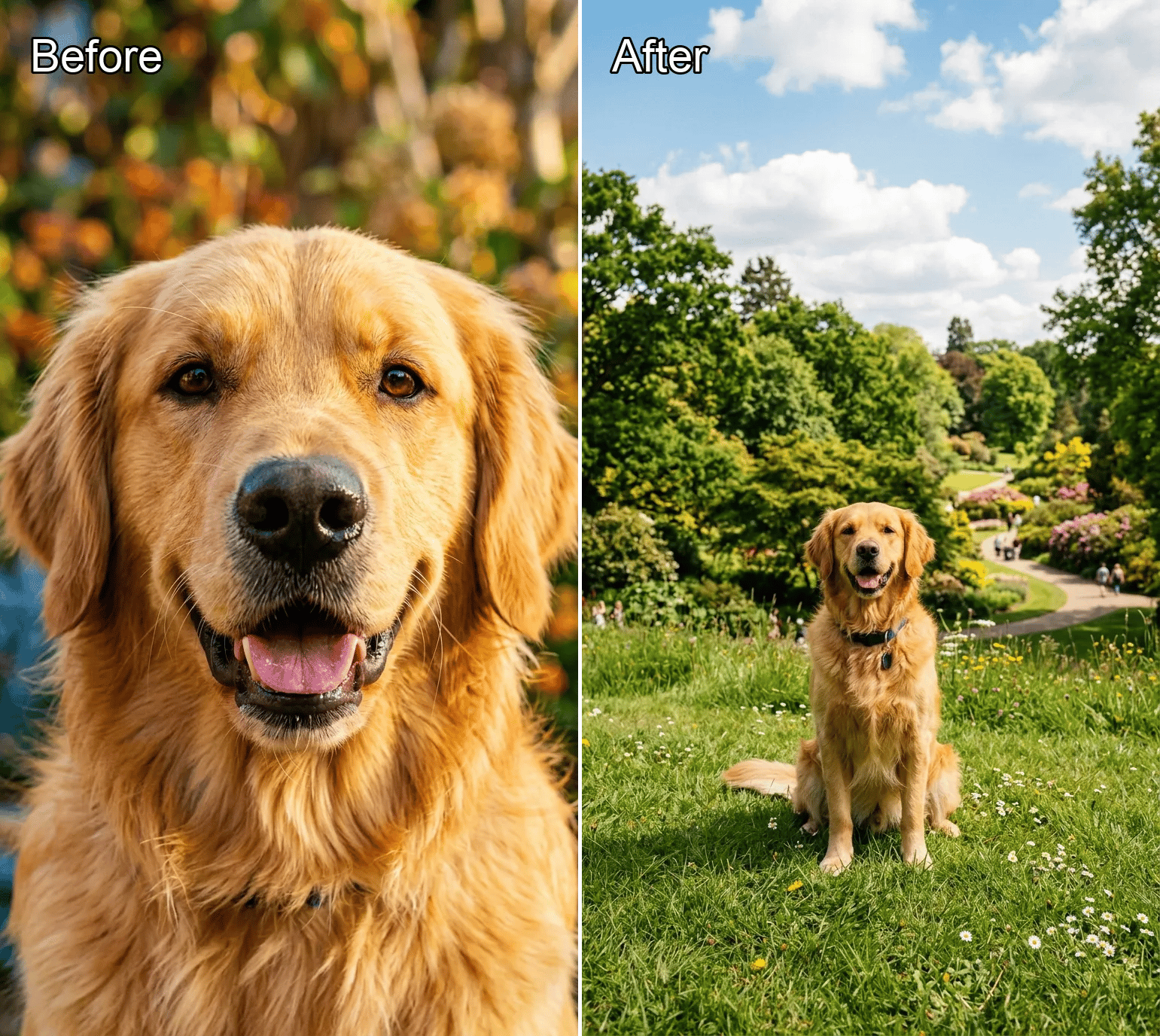
Image Expander
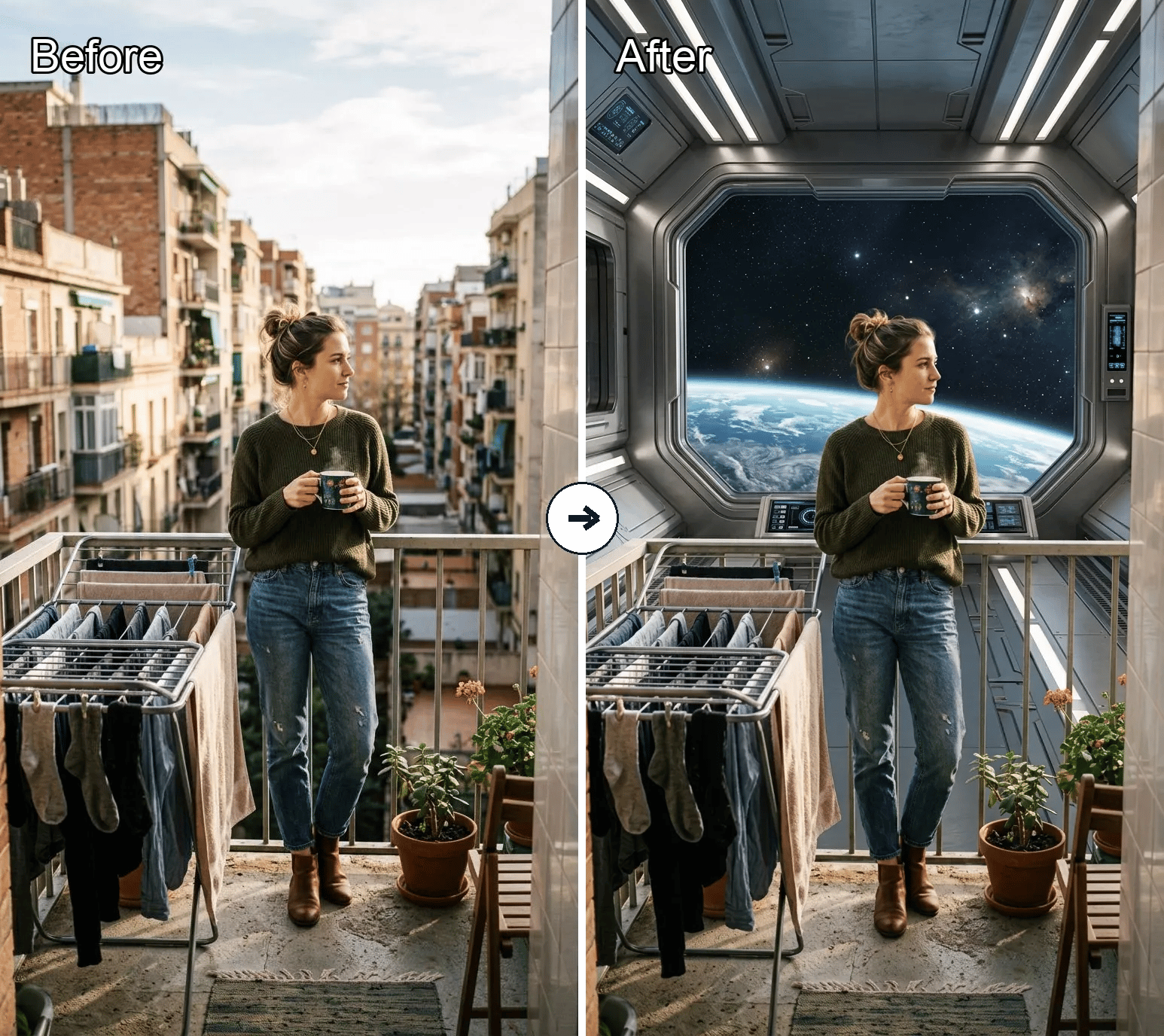
Background Replacer
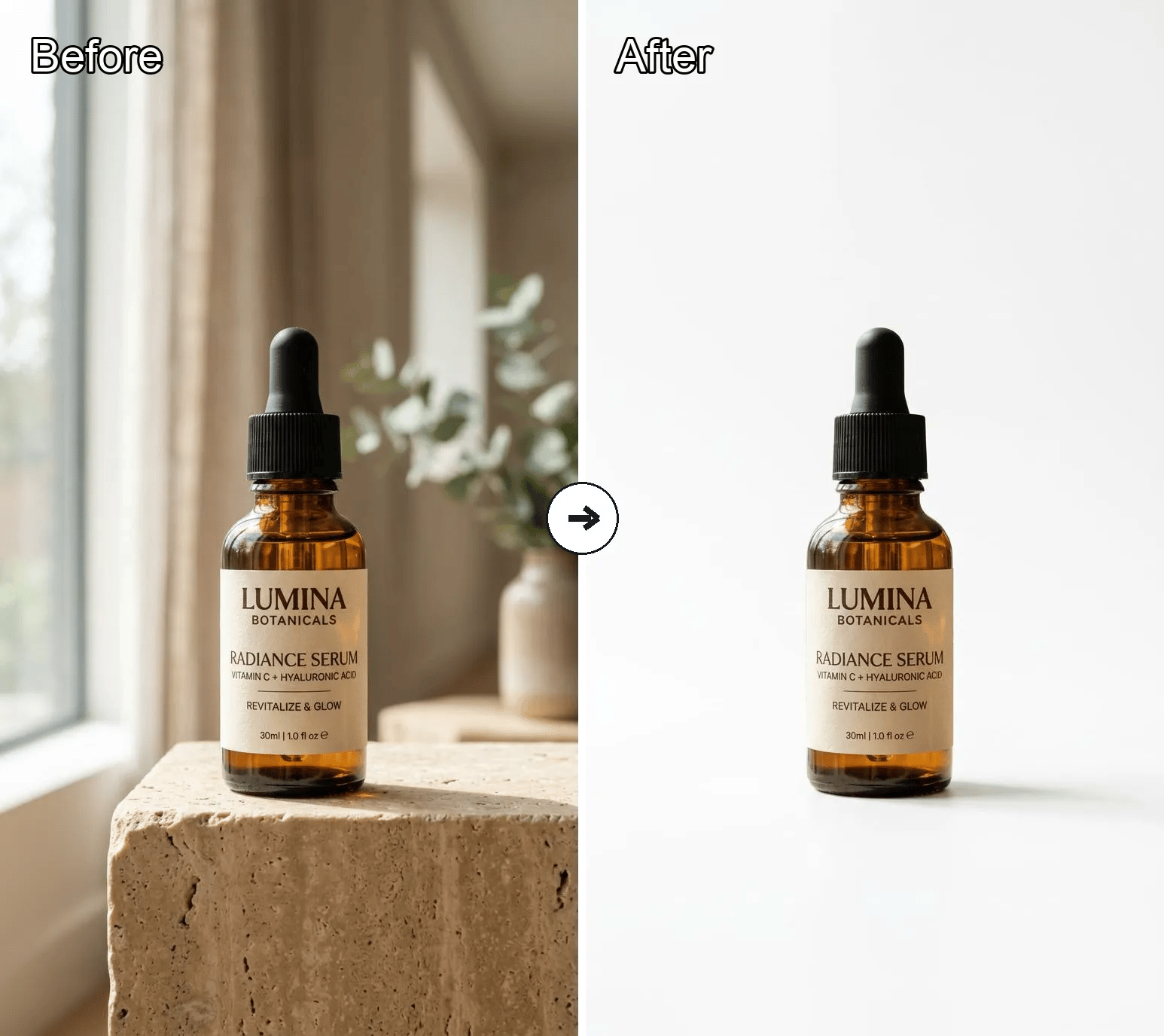
White Background Generator
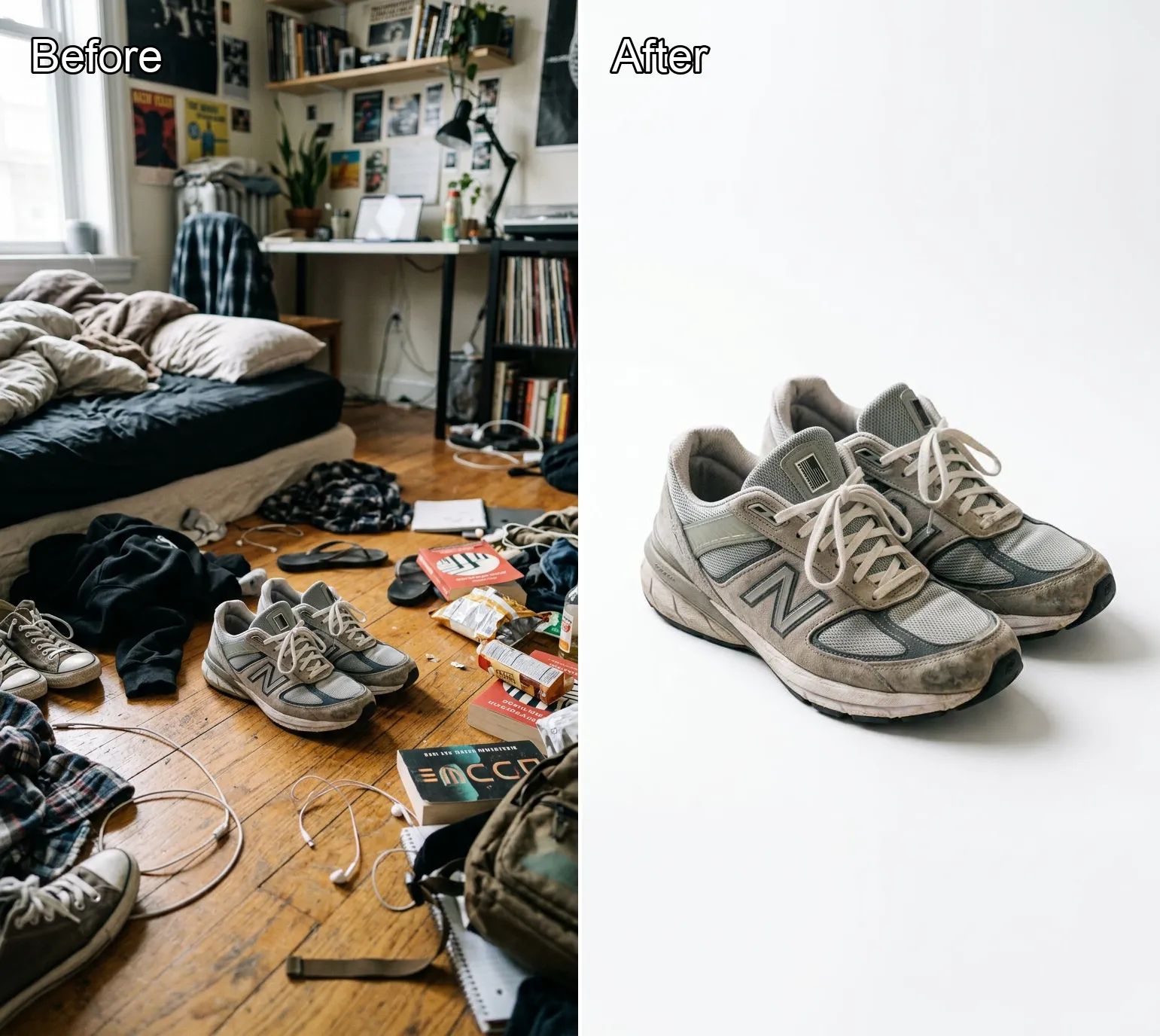
Product White Background
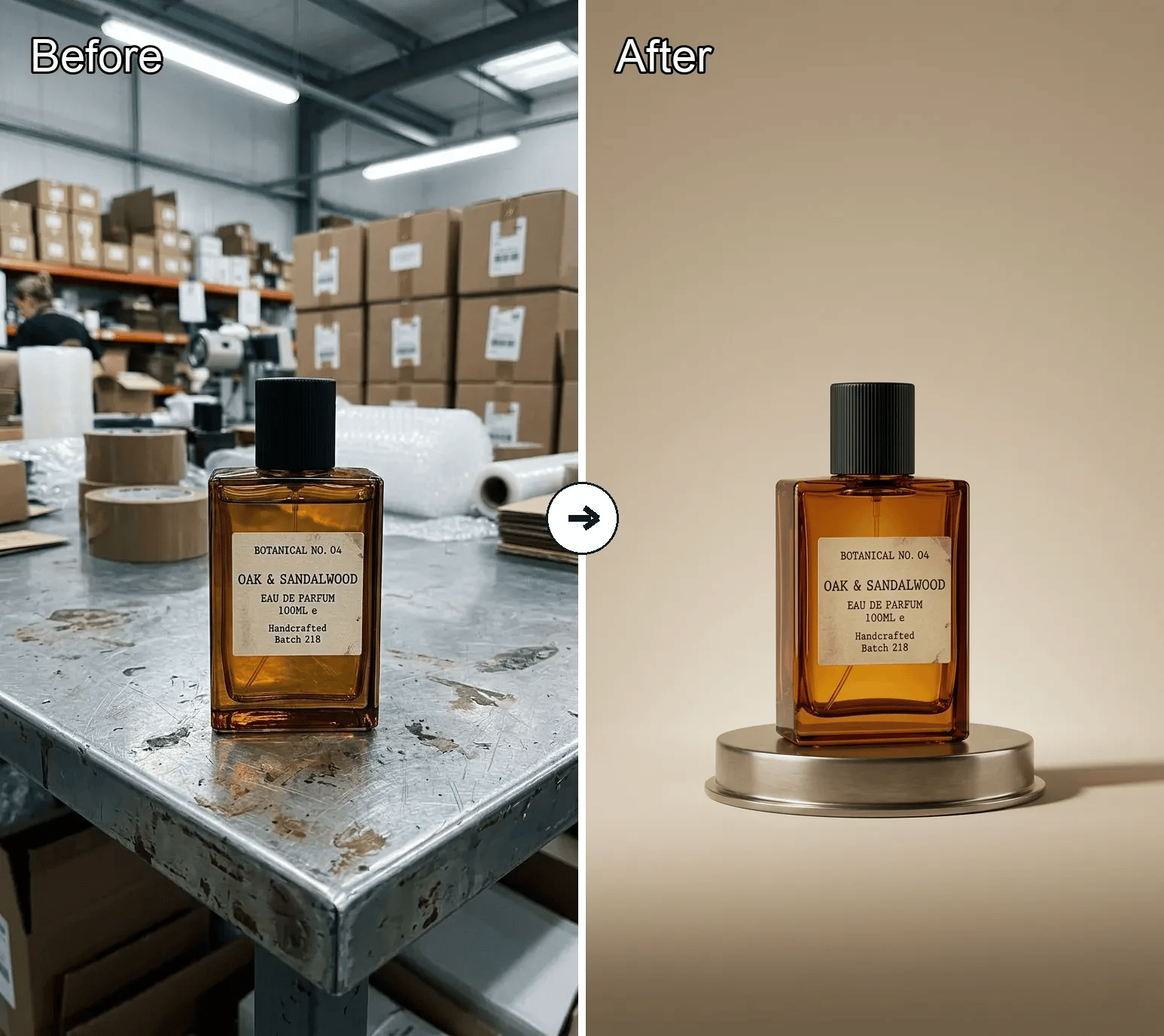
Product Beautifier
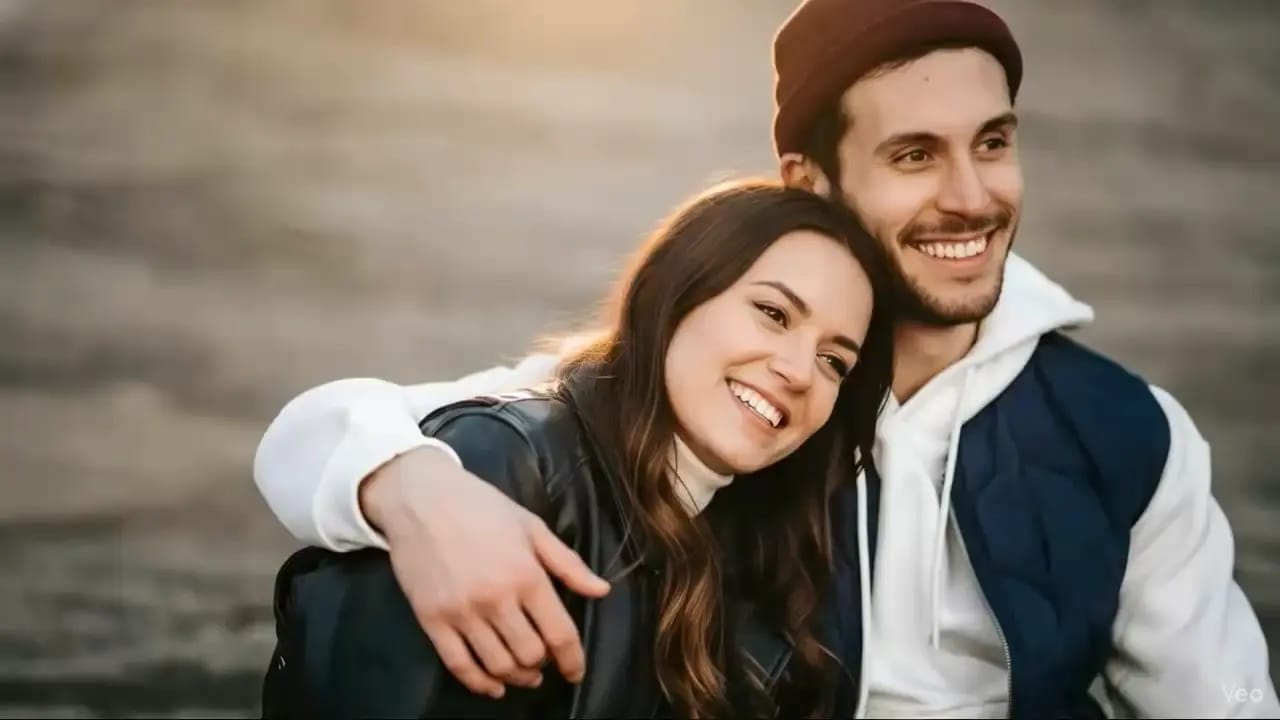
AI Kissing Generator
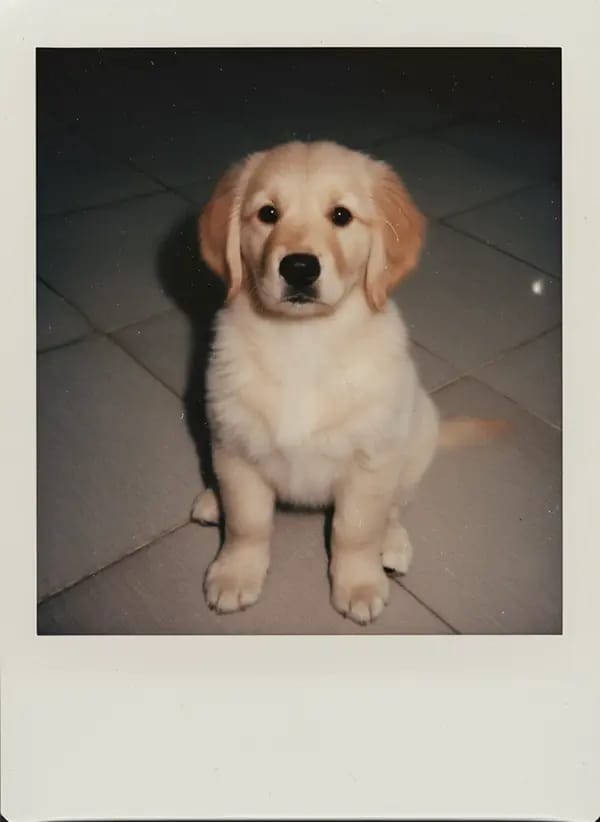
AI Polaroid
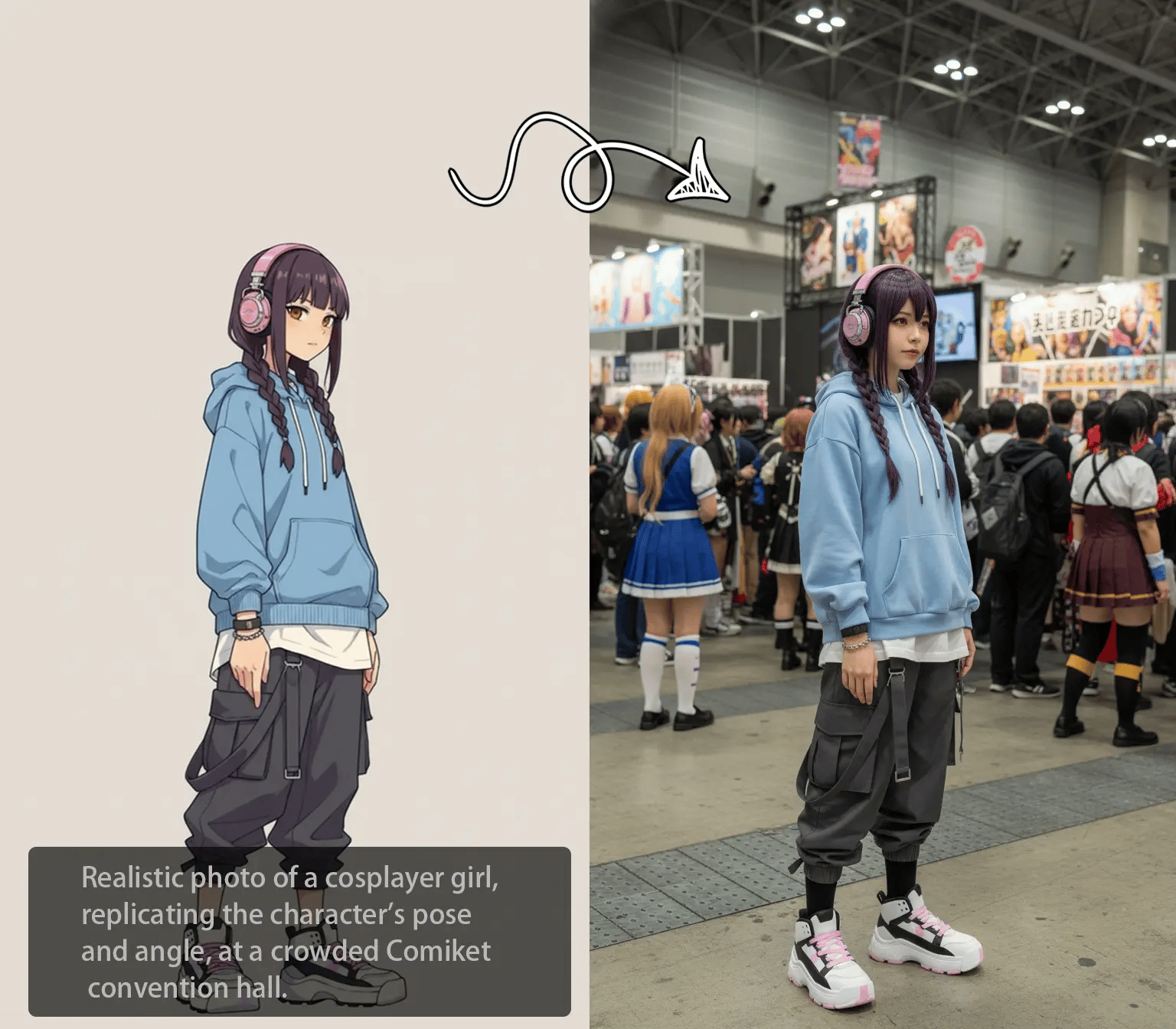
Image to Image AI
Text To Image AI
What is GPT Image 1.5 AI Image Generator?
GPT Image 1.5 on KOOX AI gives you a practical way to generate and refine images from prompts and reference images. Describe the subject, composition, and style, then iterate until the output matches your target.
Why use GPT Image 1.5 on KOOX AI?
It gives you a fast workflow for creating polished image drafts.
Prompt-first image control
Start with a clear description of the subject, composition, style, and key details. GPT Image 1.5 is useful when layout precision matters.
Reference image support
Use an image to anchor composition, color, or subject identity. It helps keep the output aligned with the look you already have in mind.
Fast iterate-and-refine loop
Generate a first pass, review the result, and adjust the prompt until the image matches your goal. Small wording changes can make a big difference.
How to use GPT Image 1.5 AI Image Generator
A simple three-step workflow for making GPT Image 1.5 images on KOOX AI.
Who is GPT Image 1.5 for?

Generate concept art, social assets, and visual drafts without a long manual process.

Turn product ideas, ads, and landing page concepts into images that are easier to test and share.

Use GPT Image 1.5 to explore layout, typography, and image direction before committing to production.

Prototype product imagery, packaging concepts, and presentation assets with less friction.
Common questions about GPT Image 1.5 on KOOX AI
Quick answers for people exploring GPT Image 1.5 as an image workflow:
What is GPT Image 1.5 on KOOX AI?
It is a GPT Image 1.5 image workflow on KOOX AI for creating and editing images from prompts and reference images. The page is designed to help you start from a simple idea.
Can I use images with GPT Image 1.5?
Yes. Reference images can help guide the look of the image and keep the output closer to the style you want.
What should I write in the prompt?
Focus on the subject, composition, lighting, style, and details. Specific prompts usually produce clearer results.
Is GPT Image 1.5 good for product visuals?
Yes. It works well for product concepts, marketing visuals, social content, and quick visual experiments.
Do I need editing experience?
No. You can start with a simple prompt and refine from there.
How do I get better results?
Make the scene more specific, test a few versions of the prompt, and mention composition or style constraints when those details matter.
Start creating with GPT Image 1.5
Open KOOX AI, explore the GPT Image 1.5 workflow, and turn your ideas into polished images.